
 Made on your device


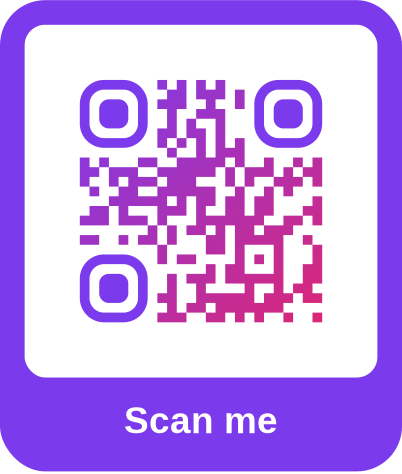
How it works
- 1
Make your code
Paste a link or pick any type. The frame works with all of them.
- 2
Choose a frame
Browse the frame gallery. Each one follows your code's main color.
- 3
Write the call to action
Type up to 20 characters. Say what they'll get, like "Scan to order".
- 4
Download after the test
Every frame is scan-tested with your code before you can download it.
Use cases
- Restaurant tables"Scan for the menu" on a table tent tells guests what to do before they ask.
- Shop windows"Scan for hours" helps people who walk by after closing.
- Conference badges"Scan to connect" turns a badge into a contact swap.
- Packaging"Scan to set up" on the box points buyers to the guide before they get stuck.
- Donation jars"Scan to tip" next to the jar works for people without cash.
CTA length and which frame to pick
Type what people get, not a vague "Scan me." "Scan for menu," "Scan to tip," and "Scan to connect" fit the 20-character cap including spaces. Longer lines shrink on table tents and window stickers, so the product hard-limits the field.
Browse the frame gallery after you set the destination link or other QR type. Each frame follows your main module color. If a frame plus color combo fails the built-in scan test, download stays blocked until you change it.
Print contrast, size, and Center image
Frames add width around the modules. Leave quiet margin in the poster layout so the whole frame is not cropped. Dark modules on a light background still scan best under cafe lighting and shop-window glare.
You can combine a frame with Center image; the scan test checks both. For print shops and large boards, prefer SVG from this flow or the SVG QR code generator. A frame does not rescue an overlong URL that made a dense code, so keep the destination short when you can.
Static code, honest limits
The frame is just design around a static code. Your link still lives inside the code, the code doesn't expire, and nobody's scan passes through us.
Some honest limits. The text is capped at 20 characters so it fits and stays readable. Frames add size, so leave room in your layout. A frame doesn't make a dense code easier to scan, so keep your link short. If a frame and color combo fails the scan test, we won't let you download it.
Questions people ask
Longer text gets tiny on small prints. Short lines stay readable from a table or doorway.
Yes. The scan test checks the combination before you can download.
It follows your code's main color. Change the color and the frame updates with it.
Use SVG when you need sharp scaling. PNG works for quick digital proofs. See SVG QR code generator.
Free with no sign-up. The frame is decoration around a static code. QR Pop does not redirect or count scans.